

For users who frequently watch videos from various online sources, managing different links and formats can be a hassle. The Url Video Player app offers a streamlined solution by functioning as a dedicated browser and player for video URLs. This tool is particularly useful for individuals who consume content from direct links, private streams, or sites not typically supported by standard social media apps, providing a centralized and controlled viewing experience.
Direct Playback from Any Link
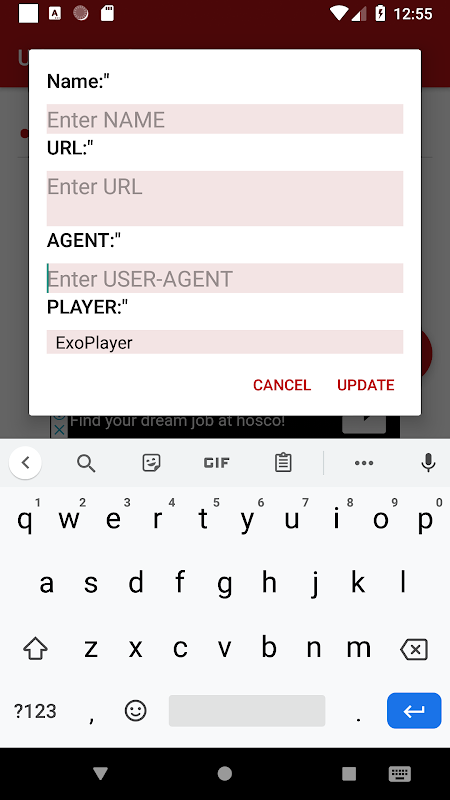
The core functionality of Url Video Player is its ability to accept and play video content directly from a web link. Users can paste a URL from their clipboard or type one directly into the app’s address bar. It efficiently handles various streaming protocols and file formats, eliminating the need to switch between a browser and a separate media player for a smoother workflow.
Built-in Browser for Discovery
Beyond simple playback, the app integrates a lightweight web browser. This allows users to navigate to their preferred video-hosting website directly within the app, find the content they want, and play it instantly in the optimized player. This seamless integration between browsing and viewing saves time and keeps the experience contained within a single application.
Enhanced Viewing with Playback Controls
Once a video is loaded, Url Video Player provides a set of robust controls to enhance the viewing session. Users can pause, seek, and adjust volume with standard gestures. More advanced features often include the ability to change playback speed, lock the screen orientation to portrait or landscape, and even pop the video out into a floating window for multitasking.
Managing Your Video History and Bookmarks
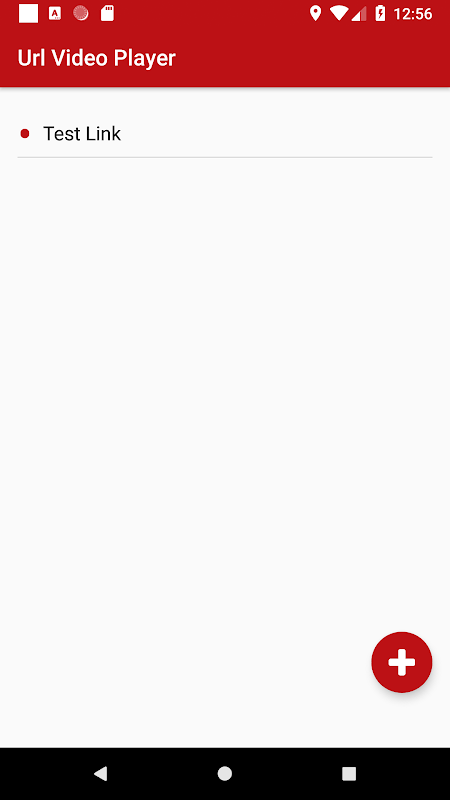
The app assists in organizing your viewing habits by maintaining a history of recently played URLs. This makes it easy to return to a previously watched video without searching for the link again. Additionally, users can bookmark their favorite or frequently accessed links for instant playback in the future, creating a personalized library of video sources.
Customizing the Player Experience
Url Video Player offers several settings to tailor the app to individual preferences. Users can often configure default behaviors for aspects like hardware acceleration, decoding methods, and network buffering. These technical adjustments can help improve playback performance and battery efficiency on different Android devices.
Frequently Asked Questions
The app is designed to support a wide range of common video formats and streaming links found on the web, including direct links to video files (like .mp4, .mkv) and many embedded streaming protocols used by various websites.
No, Url Video Player is primarily a streaming and playback application. Its core function is to play video content directly from an online source in real-time, and it does not include features for downloading or saving videos locally to your device storage.
Yes, a stable internet connection is essential. Since the app streams video content directly from URLs hosted online, it requires an active network connection to fetch and play the media data. It does not function as an offline media player for files stored on your device.